HandsUP CMS Lab Preview
An userscript improve CMS debugging experience for HandsUP.

Key Features •
Installation •
How To Use •
Screenshots •
License
English •
中文 •
日本語
Key Features
- Add a button to HandsUP CMS editor that create sharable link to preview the CMS.
- Let develop fast identify the root cause.
- Generate as many as possible CMS template that can be test automatically.
- Cross browser support
- Firefox, Chromium and Safari ready.
Installation
Install an userscript manager to your browser.
Then click following button to install this userscript.

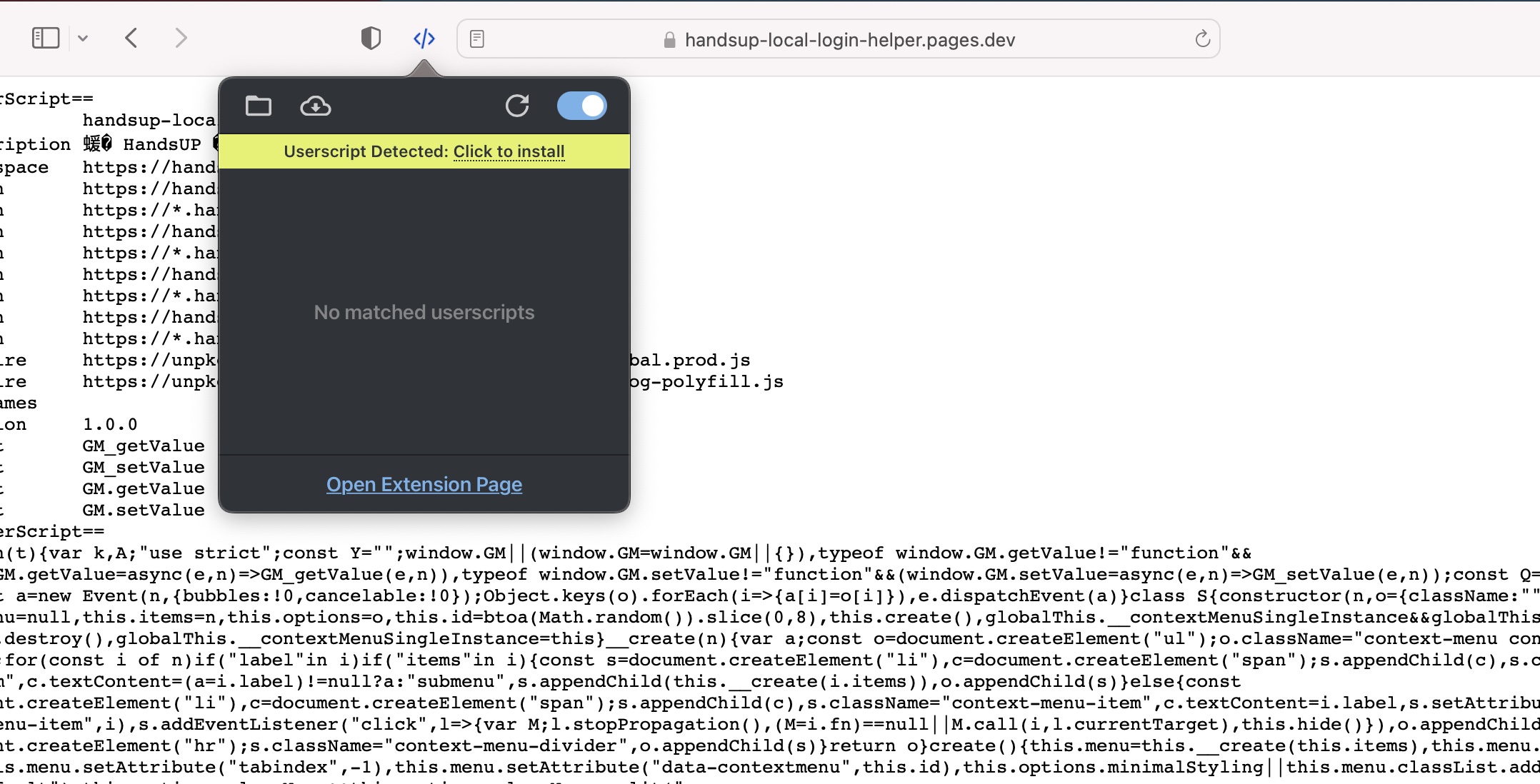
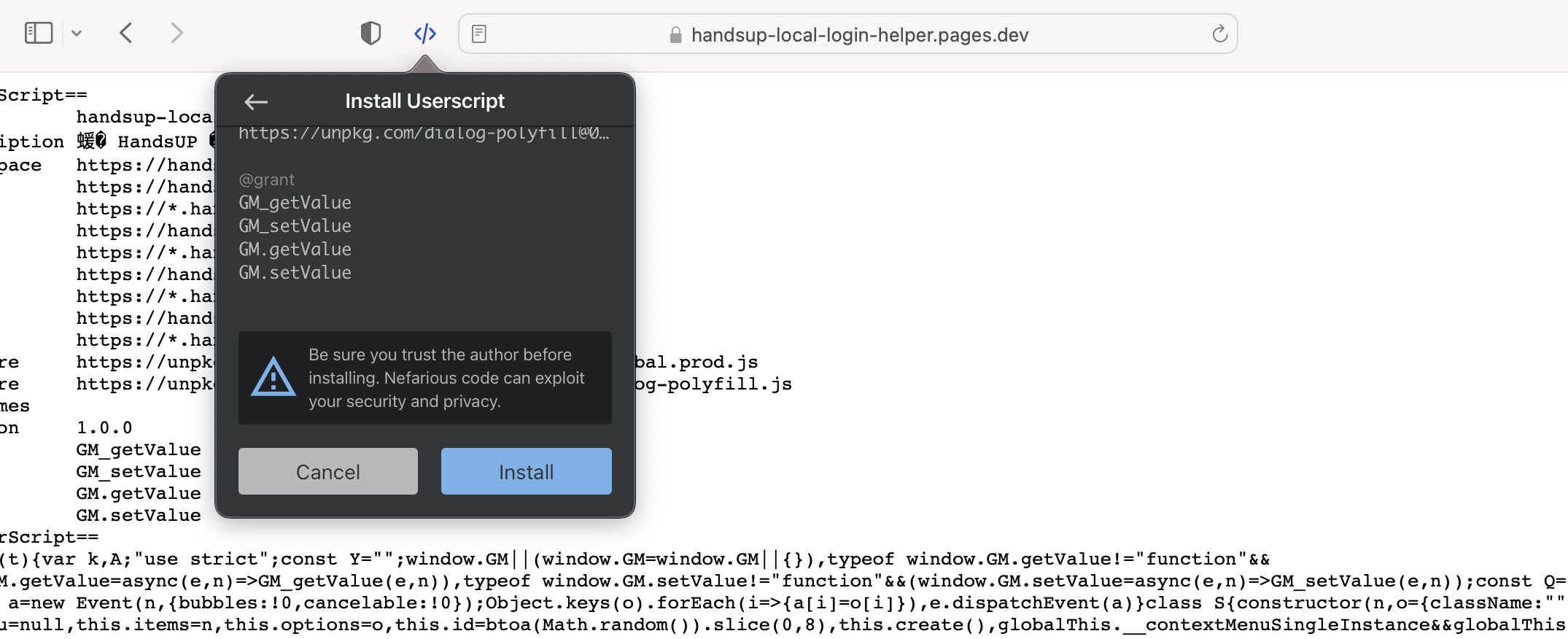
Safari Installation
Open the script page by clicking install button above, then click icon of userscript manager and click "Click to install". Finally, scroll to bottom and press the "Install" button.
How To Use
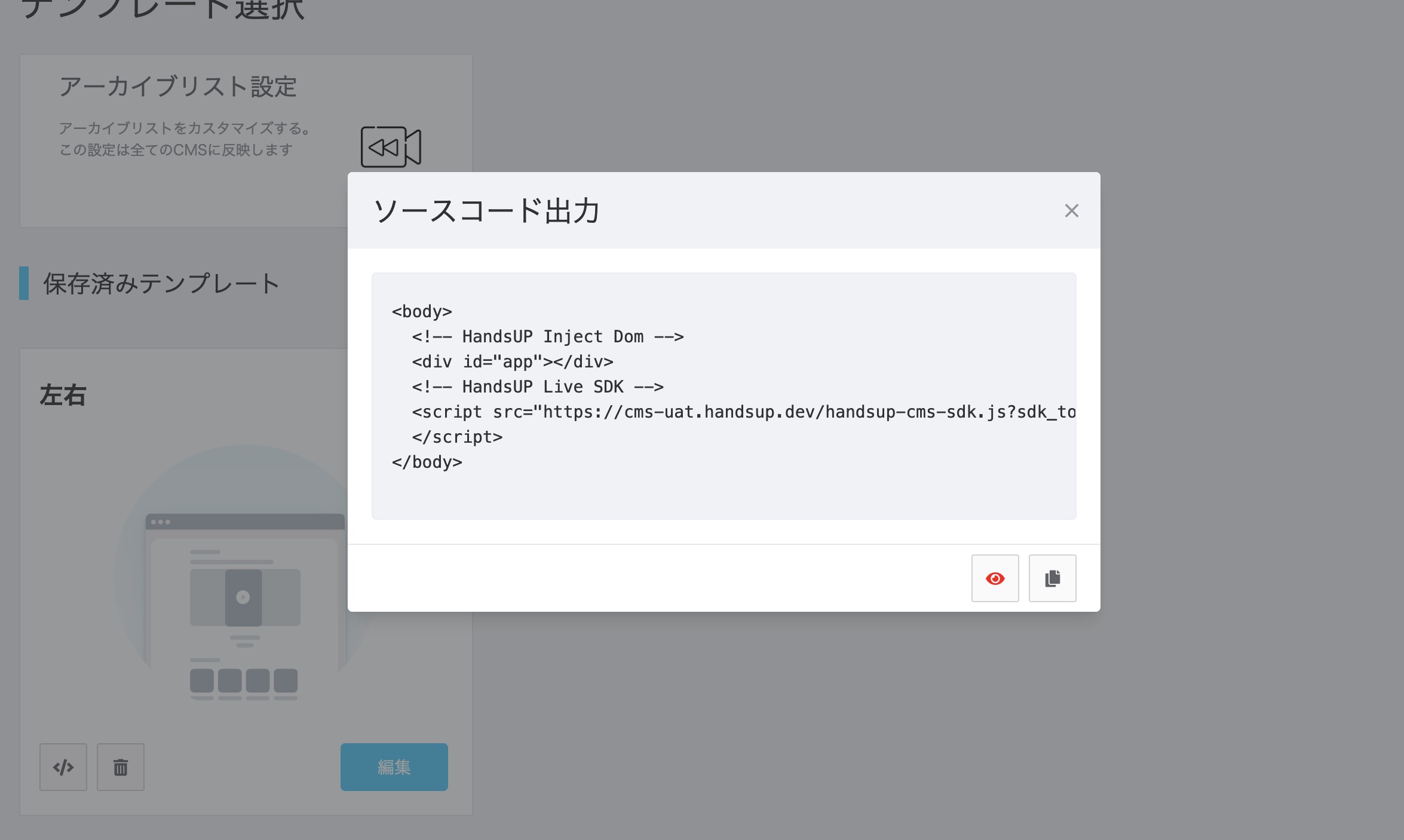
- Open the dialog which contains the CMS code
- Click the special button
Screenshots
License
MIT